Introduction
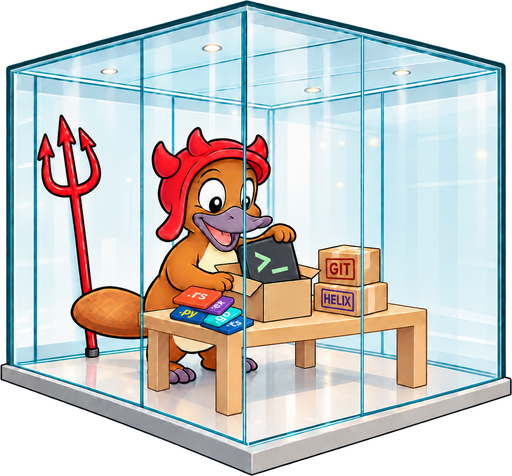
HexBox gives Nix on your Mac a way to build Linux packages. It's a
nix-darwin module that runs a small aarch64-linux machine using Apple's
container tool, and tells Nix to send Linux builds there.
You don't manage the machine yourself. The first time Nix needs it, it boots.
When no builds have run for five minutes, it shuts itself down. Anything it
built or downloaded stays in its /nix store for next time.
Who it's for
HexBox is a good fit if you:
- manage an Apple silicon Mac with
nix-darwin, - need to build
aarch64-linuxpackages, for example NixOS systems or container images, and - would rather not run a separate Linux server or a hand-managed VM.
It doesn't build x86_64-linux, and it doesn't work on Intel Macs.
How it works, briefly
Nix already knows how to use a remote builder over SSH. HexBox sets one up and makes the far end of that connection a machine that can wake on demand:
- A build needs
aarch64-linux, so Nix connects to thecontainer-builderSSH host. - That SSH host is a small script, not a real network address. It starts the builder machine if it's off, then relays the connection into it.
- The build runs in the machine, and the results are copied back to your Mac.
How Nix reaches the builder covers this in more detail.
Next steps
- Install HexBox and run your first build.
- Configure it: give the machine more memory, change when it shuts down, or use your own image.
- If something isn't working, start with Checking and repairing the builder.